

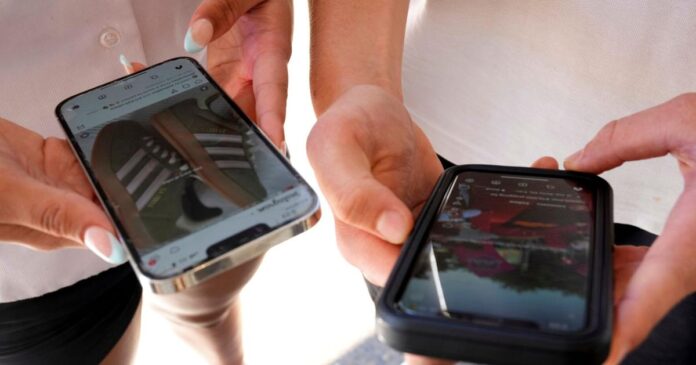

“Should I be worried about buying a used phone? Here’s what to watch for.” This question often comes up, especially during the holiday season when many of us are considering ways to save on gifts. While second-hand devices can be a cost-effective option, they also come with certain risks. However, by taking a few precautionary measures, these risks can be significantly mitigated. This article explores the most common risks associated with second-hand devices and provides actionable tips on how to protect yourself and the recipients of your gifts, this season and beyond.
The Most Common Risks Associated with Second-Hand Devices
Purchasing second-hand devices, whether it’s a smartphone, tablet, or laptop, often comes with a set of risks. These include potential hardware or software problems, hidden defects, the chance of the device being stolen, and more importantly, data security risks. Particularly when it comes to smartphones, there is a risk of the previous owner’s data being left on the device, which can lead to potential privacy breaches.
Hardware and Software Issues
Second-hand devices may come with undetected hardware or software problems. For instance, the device could have a faulty battery, broken screen, or malfunctioning buttons. In terms of software, the device could be running an outdated operating system that no longer receives security updates, leaving it vulnerable to cyber threats.
Data Security Risks
Data security is a major concern when purchasing used devices. The previous owner’s data could still be on the device, and if not properly erased, it could be misused. This could include sensitive information like photos, emails, passwords, and even financial information.
How to Protect Yourself When Buying Second-Hand Devices
While the risks associated with second-hand devices are real, they can be managed with due diligence and a few precautionary steps. Here are some tips on how to protect yourself when buying used devices.
Verify the Device’s History
Before purchasing a used phone, ask for the device’s IMEI number and check its status on a site like IMEI Pro or CheckMEND. These services can tell you if the device was reported stolen or if it has any outstanding financial obligations.
Inspect the Device
Carefully inspect the device for any physical damage. Check the screen, buttons, ports, and speakers. Also, ensure that the device’s operating system is up-to-date and that all the necessary security updates have been installed.
Factory Reset
Before using the device, perform a factory reset. This will erase all the data on the device and return it to its original settings. However, remember that a factory reset may not remove all data, so consider using a professional data erasure tool for added security.
In conclusion, while second-hand devices do come with certain risks, these can be effectively managed with due diligence and proper care. By following the steps outlined above, you can ensure that your second-hand device experience is safe and trouble-free.
